Design and Analyze Aircraft in Minutes!
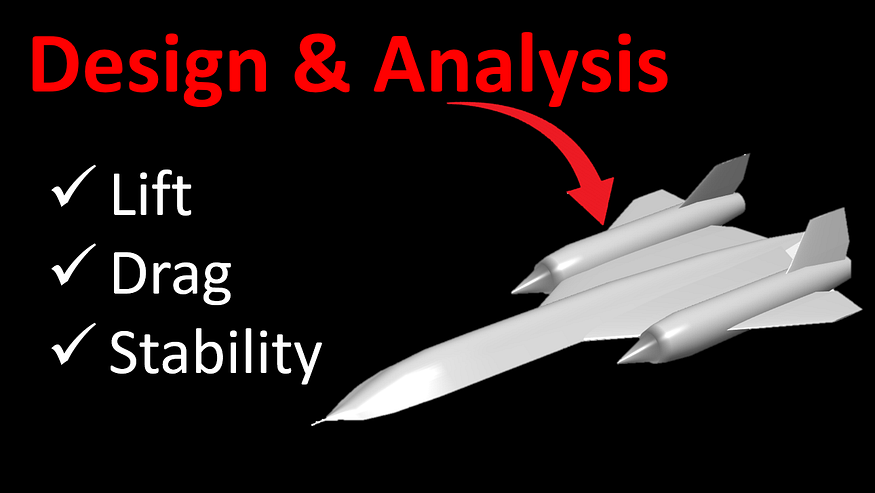
Today, I am going to show you an awesome tool that you can use for quickly designing and analyzing an aircraft.
Aircraft Intuitive Design (AID) is an academic tool developed by Zak Lietzau, intended to help in developing an intuitive understanding of aircraft stability and control. It combines user-friendly aircraft modelling with rapid aerodynamic analysis. You can see the changes that different design parameters make on how the airplane flies. For example, you can adjust the tail position and see how it affects pitch stability in real time!
Many geometric and aerodynamic parameters such as planform shape, airfoil type, general configuration, etc., must be tuned throughout the conceptual design phase, and knowing how these values influence a plane’s stability is critical in making educated decisions to meet design goals.

This program helps provide the user with this understanding, while also greatly reducing the time spent on trade studies between different wing/tail placements, planform shapes, and several other design considerations.
You can watch a step by step process to install and get started with this software in the video below:
You can specify the dimensions and attributes of the various components of an aircraft such as the wing span, wing chord length, location of the center of gravity, etc. The tool will automatically analyze the new setting and calculate stability of the aircraft and the drag using linearized stability approximations — key calculations in the design of an aircraft. The user can then compare this result with the more detailed results from DATCOM, Tornado or AVL.
Now I will show you how you can download it and get started:
- This is a MATLAB app, so you will need to install MATLAB on your computer.
- Then, go to this website and download the app. Install the app in MATLAB.
- Next, you will also need to install two add-ons. Go to “Get more apps” option in MATLAB and install Aerospace toolbox and Statistics and Machine learning toolbox.
- You can now go to the apps tab and see the AID app. Click on it to get started. It may take a few seconds to load.
When you first open the app, this is what it will look like:

You can start by clicking new and entering your desired fuselage length. This will automatically scale everything else. You can now adjust the parameters to create your design.
For a video walkthrough, please watch this video:
I hope this tool will be useful to you during your aircraft design process. Happy designing!
Tool used: Zak Lietzau (2024). Aircraft Intuitive Design (AID) (https://www.mathworks.com/matlabcentral/fileexchange/66770-aircraft-intuitive-design-aid), MATLAB Central File Exchange. Retrieved October 22, 2024.


Comments
Post a Comment